Set to Server: Bulletproof Digital Asset Management
Intro
In modern video production, digital asset management is not housekeeping, it’s crucial infrastructure.
When you are shooting 4K, 6K or 8K RAW across multiple cameras, generating terabytes per day, collaborating across time zones, and delivering to clients who expect flawless version control, your asset workflow is either your competitive advantage or your weakest link.
From set to server, every decision about storage, backup, naming, access and security compounds. A well-designed workflow protects creativity. A sloppy one suffocates it.
There are a number of choices on the market today, and each one will have benefits tailored to your specific area of productions. From social video shorts to event coverage or feature films, this article will walk you through how professional teams build their digital asset management systems that do not crack under pressure.
The Reality of Modern Video Production
Any given day at a video production house, shooting on an ARRI, RED or Sony Venice can produce 2 to 4 terabytes of footage. Add multi-cam interviews, drone plates, sound files, stills, graphics and project files, and the data footprint expands rapidly.
Now layer in:
- Remote editors working via proxy workflows
- Producers reviewing cuts on Frame.io
- Colourists accessing full-resolution media
- Clients requesting revisions months later
- Compliance requirements and NDAs
This is not a folder problem. It is an ecosystem problem.
If your digital asset workflow is built around external drives and hope, you are one drive failure away from a crisis.
Ingest: Where Discipline Begins
Bulletproof digital asset management starts on set.
Professional teams treat data wrangling as a technical role, not an afterthought. A dedicated DIT or data wrangler should be responsible for:
- Offloading cards using checksum verification tools such as Offshoot (see our Offshoot review here) or ShotPut Pro
- Maintaining dual or triple backups before media leaves set
- Logging metadata at ingest
- Separating camera originals from proxies
Media should be verified using checksum protocols, not simple drag and drop copying. Corruption at this stage is expensive.
Before the post production team even open Premiere, Resolve or Avid, the footage should already exist in at least two verified locations.
Designing Your Storage Architecture
Tiered Storage Is Not Optional
Professional environments rely on tiered storage, typically structured as:
Hot Storage
High-speed RAID arrays or NAS systems used for active editing.
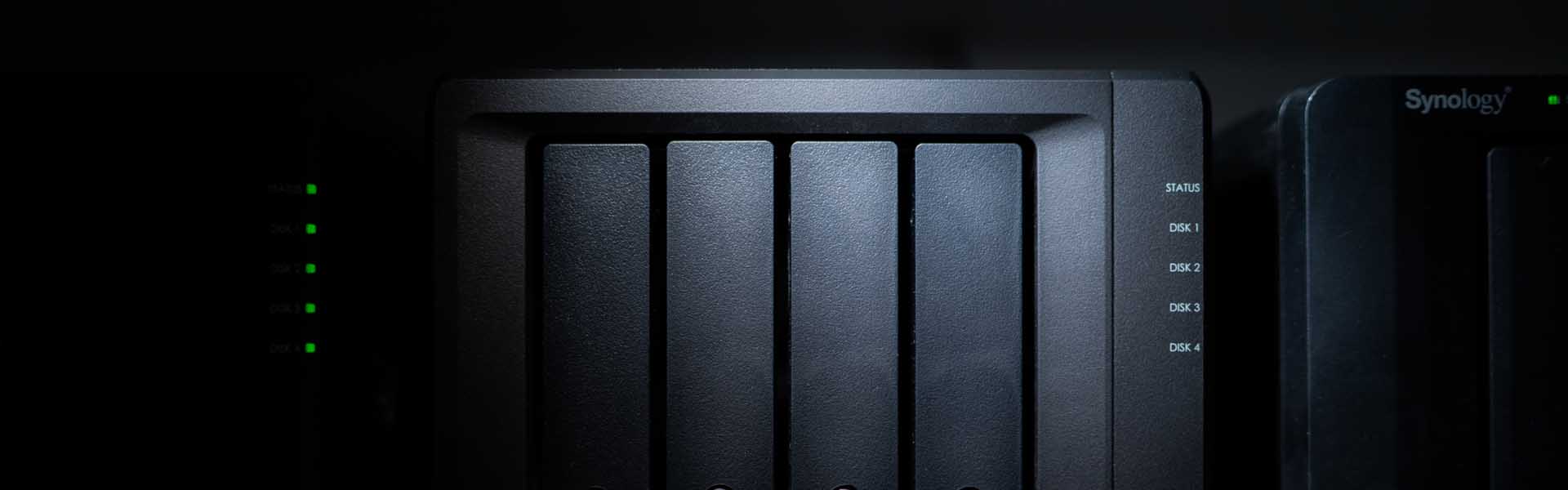
Examples include Synology or QNAP NAS with RAID 5 or RAID 6, connected via 10GbE.
Nearline Storage
Secondary storage for recently completed projects housed on robust SSDs, still accessible but not clogging edit servers.
Cold Storage / Archive
Long-term archival solutions such as LTO tape systems or cloud cold storage like AWS Glacier.
This tiered model ensures speed where needed and cost efficiency where possible.
Cloud Infrastructure
Cloud workflows have matured significantly.
Professional teams are now using:
- AWS S3 or Wasabi for scalable storage
- Backblaze B2 for cost-effective offsite redundancy
- LucidLink for remote editing without full downloads
- Frame.io for secure review and approval cycles
- Blackmagic Cloud for shared DaVinci Resolve databases
Cloud storage adds resilience and flexibility, but it must be structured carefully with permissions, versioning and access control.
The Hybrid Model: Speed Without Vulnerability
The most robust digital asset management workflows combine both local and cloud systems.
Active projects live on fast NAS systems.
Nightly replication pushes data to encrypted cloud storage.
Completed projects move to LTO or cold storage.
This hybrid model protects against:
- Drive failure
- Fire or theft
- Ransomware
- Human error
- Office-level disasters
File Organisation at Scale
I still remember the days of chaotic folder structures and naming conventions across the Lambda team. I also remember the day we grabbed the bull by the horns, and forced a considered and consistent structure that revolutionised Post efficiency. Trust me, make this an early priority.
Standardised Folder Templates
Each project should follow a consistent structure, for example:
- 01 Camera Originals
- 02 Audio
- 03 Proxies
- 04 Project Files
- 05 Graphics
- v06 Exports
- v07 Deliverables
- 08 Archive
Naming Conventions That Survive Chaos
File names should include:
- Project code or client name
- Date in YYYY MM DD format
- Version number
- Content descriptor
For example:
ClientX_CampaignA_2025_02_14_V03_Master_16x9
This prevents confusion when exporting for multiple aspect ratios, markets or revisions.
Security in a Distributed World
Security is no longer optional, especially for enterprise and regulated clients.
Best practices include:
- Two-factor authentication on all cloud platforms
- Role-based permissions in Frame.io or DAM systems
- Expiring download links
- Watermarked review exports
- Encrypted shuttle drives
- VPN software for remote editing
If you handle unreleased campaigns, financial content or high-profile talent, your data workflow must reflect that responsibility.
Digital Asset Management: Beyond Folders
As libraries grow, searchable metadata becomes essential. This is where enterprise asset management software plays a critical role, enabling advanced indexing, access control, and seamless collaboration across departments while maintaining data integrity at scale.
In larger production environments, many teams are also integrating infrastructure oversight tools and centralised device coordination platforms to maintain visibility across edit suites, remote workstations, mobile review devices and shared production hardware. This becomes increasingly important when multiple editors, producers and freelancers require secure access to the same ecosystem without introducing workflow bottlenecks or configuration inconsistencies.
Professional teams are turning to DAM systems such as:
These platforms allow:
- AI-powered tagging
- Facial recognition indexing
- Automatic proxy generation
- Searchable archives
- Controlled user permissions
This transforms your archive from a graveyard into a living resource.
Backup Strategy: The 3-2-1 Rule Revisited
The classic 3-2-1 rule remains foundational:
3 copies of your data
2 different media types
1 copy offsite
But for professional workflows, this often expands to:
- Active RAID storage
- Nightly cloud sync
- Periodic LTO archive
Automated tools such as ChronoSync or Carbon Copy Cloner can handle scheduled mirroring and alert you to failures.
If you do not test your backups, you do not have backups.
And, finally…
Editors should be thinking about pacing, tone and emotion. Not where the files went.
A bulletproof asset workflow protects your time, your clients, and your reputation. It allows you to scale without fear. It turns terabytes into manageable systems.
Remember though, Infrastructure only works if people follow it.
Ingest protocol
Folder structure
Naming conventions
Backup schedule
Archive procedures
Security requirements
From set to server, the difference between amateur and professional production is rarely creative talent alone; it is the discipline in the workflow.
How AI Voiceovers Are Changing Video Production
A look at how AI voiceovers are being used in Video Production