Higgsfield AI | A Filmmaker’s Guide to the Features
Higgsfield is an AI platform that feels like it was built by people who actually like making films. At its core, Higgsfield is an aggregator, like plenty of others out there. But it’s rapidly developing a coherent personality of its own. Spend any time around the platform and its wider ecosystem and it feels increasingly like an AI filmmaking studio, not simply somewhere to access the latest generative models.
That extends beyond the tools themselves. Higgsfield makes its own shorts and features, runs filmmaking competitions and provides surprisingly comprehensive guides to cinematography and filmmaking techniques within AI production. While plenty of platforms are understandably chasing UGC, social content and advertising, Higgsfield seems particularly interested in what happens when filmmakers get their hands on generative video.

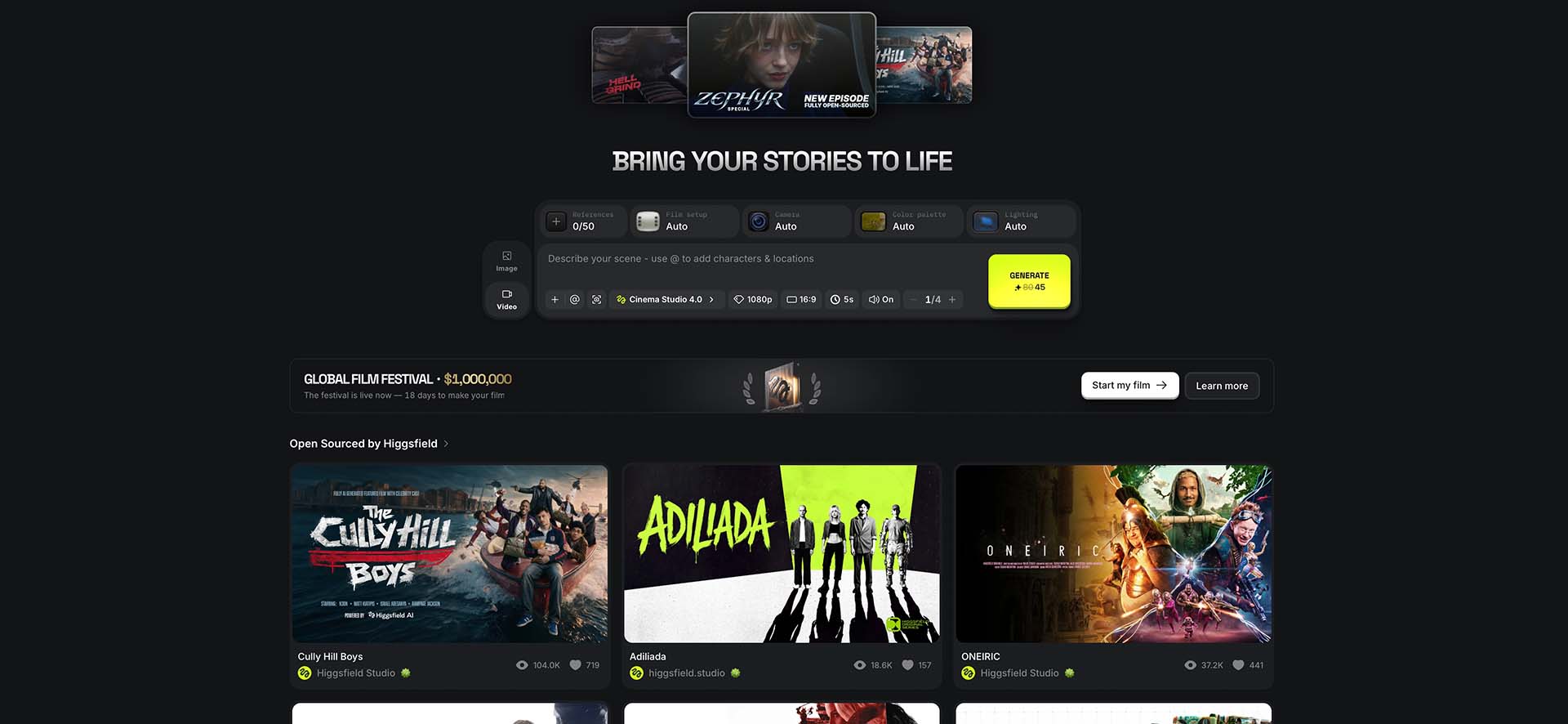
Cinema Studio 4.0
Cinema Studio is probably the feature that best explains who Higgsfield is trying to attract.
When it comes to the generative models underpinning AI production, Higgsfield has one of the more comprehensive selections of AI video generator models available. At the time of writing, that includes a formidable list including Seedance, Kling, Google Veo, Happy Horse, MiniMax, WAN, FLUX and Grok, alongside Higgsfield’s own tools and models.
What makes Cinema Studio more compelling is the filmmaking layer Higgsfield is building around those models. Instead of relying entirely on prompts and hoping the model interprets “cinematic” in roughly the same way you do, Cinema Studio introduces recognisable filmmaking parameters covering cameras, lenses, focal lengths, aperture, lighting, framing and movement.
It doesn’t remove the unpredictability of generative video, but it does begin replacing some of the guesswork with decisions filmmakers already understand.
Camera Controls
Camera control is perhaps the clearest example of that philosophy.
Rather than simply typing “slow cinematic camera move”, Higgsfield allows camera characteristics, lenses, focal lengths, aperture, lighting, framing and movement to become explicit parts of the generation.
Its Prompt Bank and Camera Control library take this further. The current library visually demonstrates dozens of camera movements before providing a detailed prompt that can be copied into a generation. There are conventional pans and tilts, dollies, tracking and crane shots, but also crash zooms, Snorricam, FPV drone moves, 360-degree orbits and plenty of considerably stranger options.
For filmmakers, the interesting bit isn’t simply having presets. It’s the translation between cinematography language and AI language.
|
Creative Element |
Prompt Language |
|
Genre |
General, Action, Epic, Drama, Comedy, Horror, Noir |
|
Camera Moveset Style |
Auto, Classic Static, Silent Machine, One Take, Epic Scale, Intimate Observer, Impossible Camera, Documentary Snap, Raw Chaos, Dreamy Flow |
|
Lighting |
Auto, Soft Cross, Overhead Fall, Contre-jour, Window, Practicals, and Silhouette |
|
Camera |
Raw 16mm, Fine Film, Clean Digital |
|
Lens |
Auto, Clinical Sharp, Extreme Macro, Anamorphic, Warm Halation, Vintage Haze |
|
Focal Length |
8mm, 14mm, 35mm, 50mm, 75mm |
| Aperture |
f/1.4 Wide Open, f/4 Moderate, f/11 Deep Focus |
As filmmakers, The difficult bit is telling a generative model precisely what we mean without writing an increasingly ridiculous paragraph explaining where the camera should move, what the lens should do simultaneously and which elements of the composition shouldn’t change.
Higgsfield’s Prompt Bank effectively provides that translation. Rather than asking filmmakers to learn an entirely new visual vocabulary for AI, it is trying to teach AI the vocabulary filmmakers already use – and that feels like the right way round.
Keeping characters consistent
Generating a great character once is considerably easier than generating that same character twenty times.
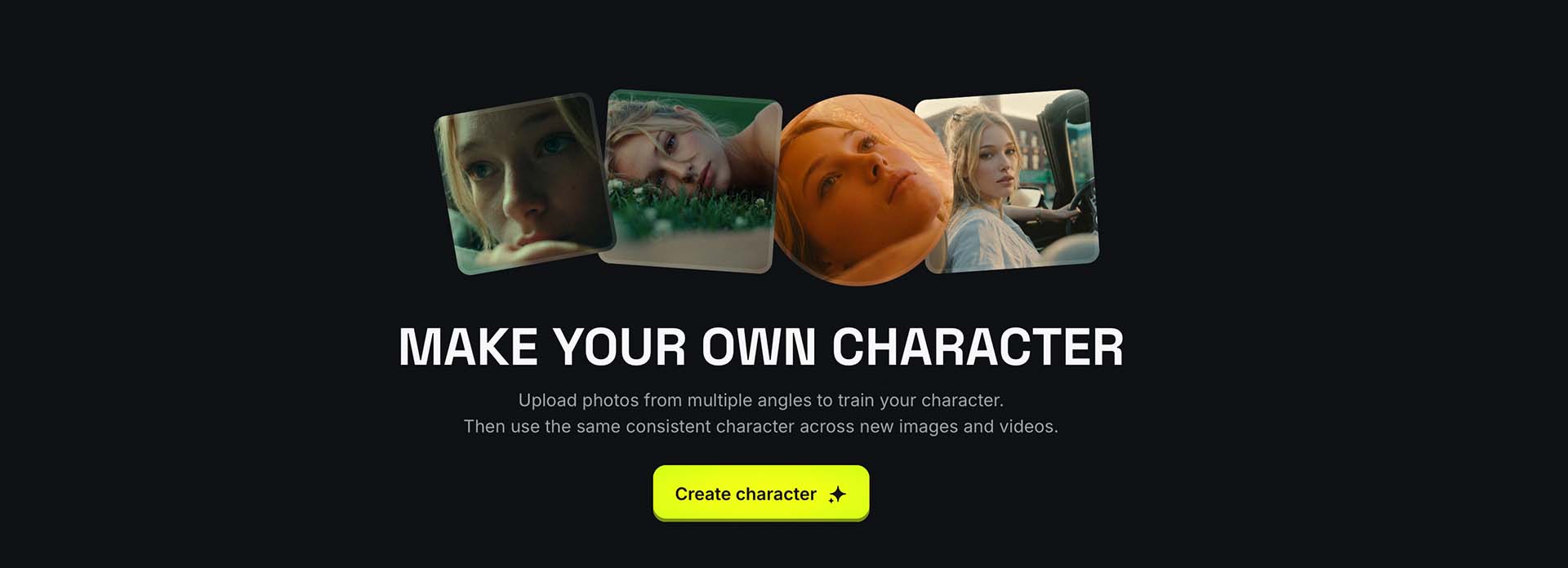
Higgsfield has built several tools around this problem, including Soul ID and reusable reference elements. Soul ID creates a persistent identity from reference imagery that can then be carried into subsequent image and video generations.
For narrative filmmaking, that consistency matters enormously. Your lead character becoming slightly younger, changing jawline or acquiring a different nose every time you change camera angle rather undermines the illusion.
More importantly, the same principle extends beyond people. Characters, props, environments and visual references can increasingly be established and reused across generations.
Edit, Don’t Regenerate
This might be one of the most important directions AI filmmaking is taking.
Anyone who has spent time generating AI video will know the frustration. You’ve finally got a shot you like, except for one tiny thing. You regenerate it to fix the problem and discover the problem has disappeared, along with three of the things that made the original generation good.
Higgsfield is increasingly focused on letting you change what you’ve already made instead.
Edit Video allows existing shots to be altered through natural-language instructions, while Draw to Edit and Draw to Video let you physically mark areas of a frame and communicate the required change visually.
These small but mighty tools feel particularly intuitive for filmmakers. Instead of describing an object’s precise position in increasingly convoluted prose, you can point at the bloody thing.
The more AI filmmaking moves towards revision rather than regeneration, the more useful it becomes as a genuine production tool.
The same thinking extends to lighting. Higgsfield’s Relight tool can alter the lighting of an existing image or shot, including its direction, colour and intensity.
Imagine you’ve established that the key light in a scene comes through a window camera-right. Your next otherwise-perfect generation inexplicably lights the actor from camera-left. Being able to address that discrepancy without rebuilding the shot could make maintaining continuity considerably easier.
Change Color Palette provides similar control over the overall colour and mood of existing material.
They’re not necessarily the features that produce spectacular demo reels, but they’re precisely the sort of controls you start caring about when five impressive AI clips need to become one coherent film.
Reframe and Upscale
Then there are the boring tools you’ll probably use all the time.
Reframe converts footage between formats including 16:9, 9:16, 1:1 and 4:3. Rather than simply chopping the sides off an existing image, generative reframing can reconstruct areas outside the original frame.
That’s particularly useful for commercial production, where one innocent-looking master film inevitably becomes a shopping list of widescreen, vertical and square deliverables.
Upscale, meanwhile, can take generated footage up to 4K or 8K. When you’re combining shots produced by several different models, potentially at different native resolutions and levels of detail, having this within the same ecosystem makes plenty of sense.
DaVinci Resolve, Premiere Pro and After Effects Integration
Perhaps one of Higgsfield’s most significant moves towards professional filmmaking is taking its tools outside Higgsfield itself.
There are integrations for DaVinci Resolve, Premiere Pro and After Effects, bringing AI generation and manipulation into software filmmakers are already using every day.
The Resolve integration is particularly interesting, with video and image generation, Edit Video, Draw to Edit, Reframe, background removal, upscaling and AI LUT creation available within the workflow. Generated material can then be brought directly into the Media Pool or timeline rather than downloaded, found in your Downloads folder, renamed and imported manually.
Premiere similarly brings tools including Reframe, Remove Background, Upscale, Draw to Edit and natural-language video editing into the application.
It sounds like a small distinction, but it’s an important one.
For AI video to become genuinely useful in professional production, it eventually needs to stop behaving like a separate destination. Generating or modifying a shot should simply become another part of the workflow, alongside editing, compositing, grading and VFX.
Putting these tools inside Resolve and Adobe gets considerably closer to that.
Future-Proofed
The generative models themselves will continue leapfrogging one another. Seedance will improve, Kling will release something new, Google will update Veo and six months from now there will almost certainly be another model we’re all talking about.
Higgsfield’s proposition is that the model doesn’t need to be the workflow.
Instead, it’s building a filmmaking layer around them, with shots, cameras, lenses, movement, lighting, characters, editing and post-production becoming the constants while the generative engine underneath can change according to what you need – and that’s where Higgsfield starts looking particularly interesting.
It isn’t trying to teach filmmakers how to become prompt engineers. It’s trying to make AI behave a little more like filmmaking.