Best AI Tools for Product Consistency
Best AI Tools for Product Consistency in AI Video (2026)
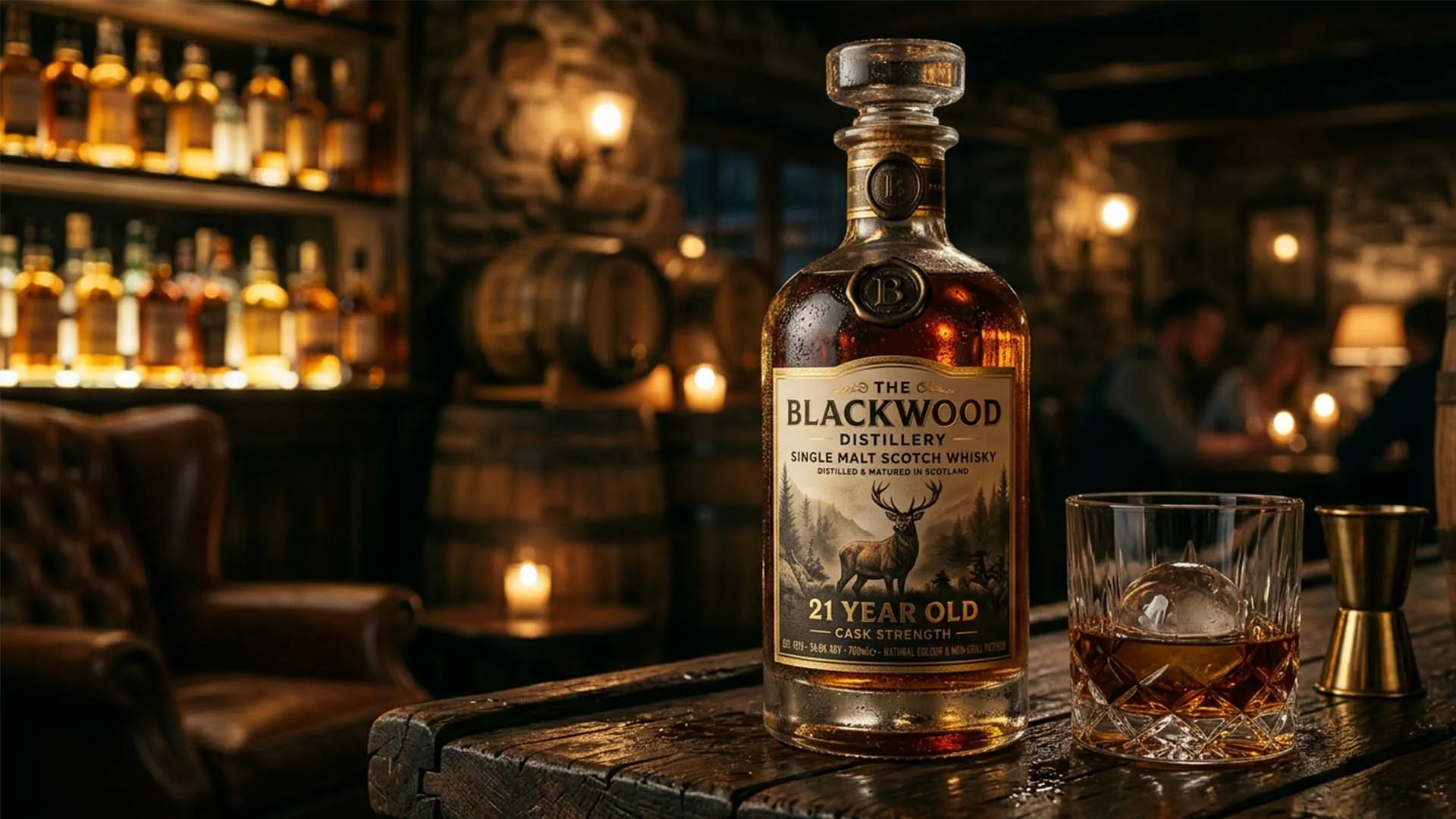
A product that looks slightly different in every generated shot, a shifted logo, a color that drifts, packaging text that changes, undermines a brand faster than almost any other AI video mistake. Sellers report cutting product video production from hours to minutes with AI video generators, but that speed only pays off if the product actually looks like itself across every shot.
This list covers tools specifically tested on how well they preserve a real product’s identity, packaging, logo text, color, material, across a generated video, not just general ecommerce video production speed.
How We Evaluated These Tools
Three things mattered most: whether the tool works from real product photos or just a text description, whether packaging and logo text survive the generation process intact, and whether the same product stays consistent across multiple shots or variants, not just within one clip.
The Tools at a Glance
| Tool | Best for | Product input | Multi-shot consistency |
|---|---|---|---|
| invideo Agent | Full commercials with packaging-accurate product shots | Multiple real product photos | Yes, across shots and variants |
| HeyGen | Presenter-led product integration | Product photos + avatar | Product appears naturally in presenter’s hand |
| Creatify | Fast, catalog-scale video ads from a URL | Product URL (auto-pulled) | Per-ad, optimized for volume |
| Synthesia | Multilingual avatar-led product explainers | Product info + avatar | Consistent across 120+ languages |
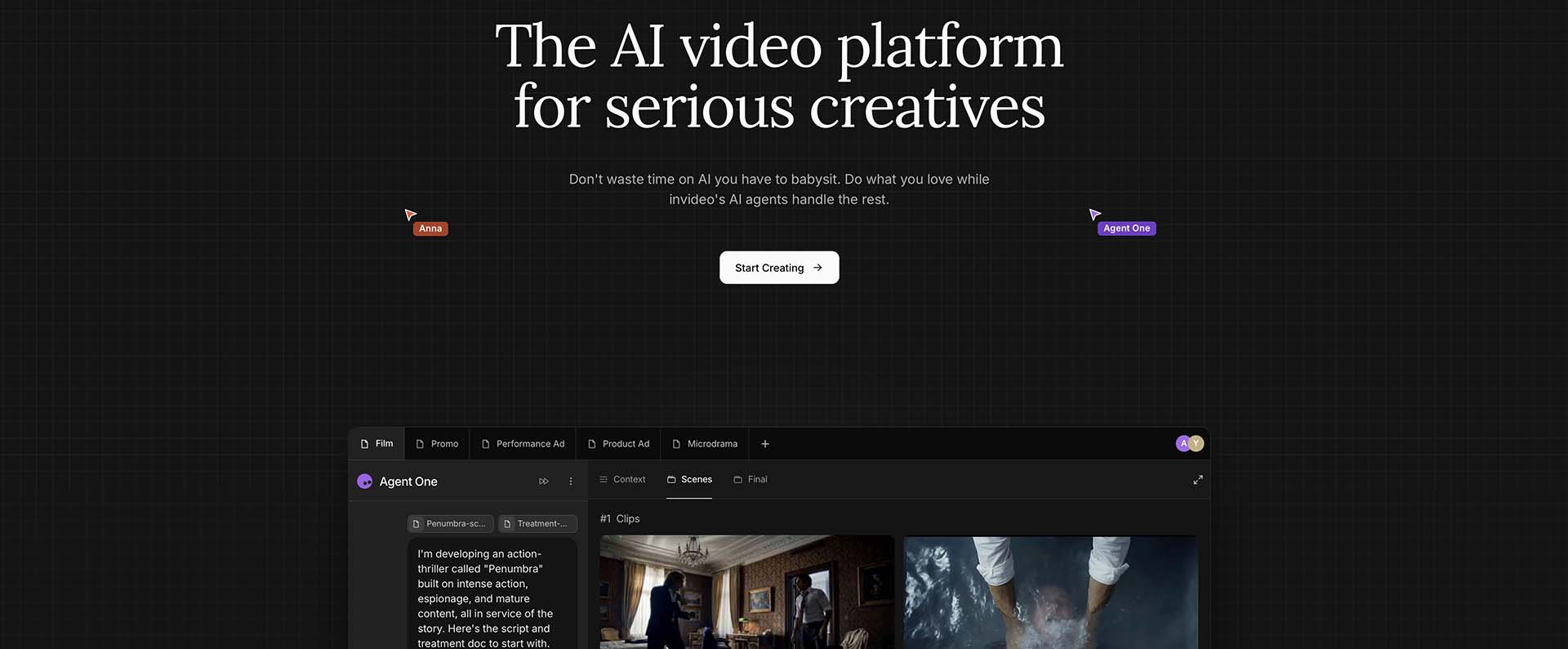
invideo Agent: Best for Packaging-Accurate Commercials
Invideo Agent is built to work from real product photography rather than a text description, multiple angles and close-ups under different lighting, which the agent uses to preserve fine packaging and logo detail that a single flattened image or website photo tends to lose.
One independent review fed it four product photos and got back a multi-shot commercial that preserved the actual packaging and logo text, described as a genuine differentiator compared to tools that regenerate the product loosely from a prompt.
The underlying method locks the first generated shot of a setup as the canonical version, so every later shot in the same sequence inherits its exact look, and for harder cases, jewellery and reflective materials especially, a two-stage pipeline builds the scene in one model and runs a dedicated product-locking pass to lock the exact item in.
Best for: Brands that need a full commercial or multi-shot ad built around an actual physical product, where packaging and logo accuracy carry real weight.
Where it falls short: Built around real product photography as the input, a brand without decent product photos to start from will get better mileage from a tool designed around loose descriptions instead.
Pricing: Plans start at $17/month, scaling to $900/month for the highest tier, credit-based across all plans.
HeyGen: Best for Presenter-Led Product Integration
HeyGen’s product placement puts the item naturally in a presenter’s hand rather than treating the product and the avatar as separate elements, alongside image-to-video capability that turns static product photos into motion.
Its 4K output on premium plans and support for 175+ languages with voice cloning make it a strong option specifically for global, presenter-fronted product marketing.
Best for: Brands that want a human (or avatar) presenter demonstrating the product, rather than the product alone carrying the shot.
Where it falls short: The presenter-led format isn’t the right fit for pure product-hero commercials where no avatar or spokesperson is wanted in frame.
Creatify: Best for Fast, Catalog-Scale Ad Production
Creatify is built for speed, paste a product URL, and it automatically pulls images, title, and pricing to generate a video ad without manual asset gathering.
Best for: Performance marketers running high volumes of product ad tests across a large catalog, where speed matters more than per-shot cinematic polish.
Where it falls short: The volume-first design trades off some quality consistency compared to tools built around a slower, more deliberate per-product pipeline.
Synthesia: Best for Multilingual Avatar Product Explainers
Synthesia’s strength is scale across markets, 140+ avatars and 120+ supported languages, making it suited to brands explaining a product consistently to many different international audiences.
Best for: Sellers who need the same product explanation delivered consistently across many languages and markets, fronted by a consistent AI presenter.
Where it falls short: Built around the avatar-explainer format specifically, not a fit for hero product shots or narrative commercial-style content without a presenter.
Which One Should You Use?
A full commercial built around packaging-accurate product shots: invideo Agent.
A presenter demonstrating the product in hand: HeyGen.
Fast, high-volume ad production from a product URL: Creatify.
A consistent product explainer across many languages: Synthesia.
Common Mistakes When Choosing a Product Consistency Tool
- Sourcing product images from a website instead of real photos. Website images are already cropped and compressed, losing fine detail the tool needs to reproduce the product accurately.
- Assuming any ecommerce video tool preserves packaging detail equally well. Speed-focused, volume-first tools generally trade off some fidelity that a packaging-first tool prioritises.
- Using a single flattened product shot for items with multiple packaging layers. Each layer generally needs its own reference, or the model tends to collapse them into one simplified shape.
- Picking a presenter-led tool when the product itself needs to be the hero. Avatar-first tools are built around a spokesperson demonstrating the item, not a standalone product commercial.
- Treating every generated shot as independent. Without a locked first shot as the reference point, small inconsistencies in color or logo placement tend to accumulate across a sequence.
FAQ
What’s the difference between a general ecommerce video tool and a product-consistency-focused one?
General ecommerce video tools optimize for speed and volume, turning a URL or brief into a finished ad quickly. Product-consistency-focused tools like invideo Agent prioritize preserving exact packaging, logo text, and color across every shot, which matters more for hero commercials than for high-volume ad testing.
Why does packaging text sometimes come out wrong in AI-generated product videos?
This usually traces back to the source image. A website product photo has already been cropped, compressed, and color-corrected, stripping out the fine detail a model needs to reproduce packaging and logo text accurately, real, unedited product photography holds up better.
Do I need a presenter or avatar for a product video?
Not necessarily. invideo Agent is built to produce product-hero commercials without a presenter, working directly from product photography, while tools like HeyGen and Synthesia are built specifically around an avatar or spokesperson demonstrating the item.
How do AI tools keep jewellery and reflective products consistent across shots?
This is generally the hardest product category, since fine detail and lighting behavior both matter. invideo Agent addresses it with a two-stage pipeline, building the scene’s base aesthetic in one model, then running a dedicated product-locking pass to lock the exact item’s appearance into that scene.